
Download Panotour – 360-Degree Virtual Tour Creator for Real Estate & Events
Overview
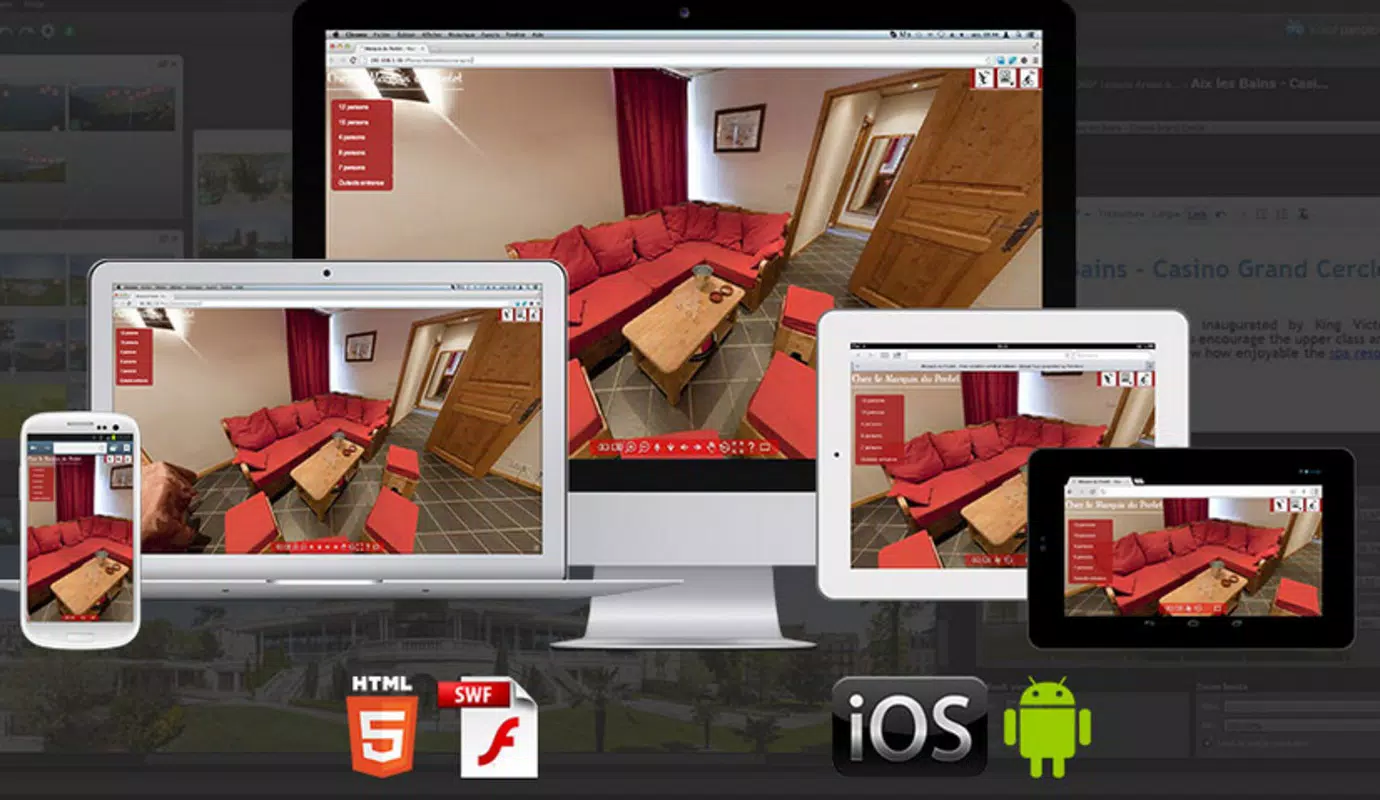
Panotour is a specialized mobile application designed for generating immersive 360-degree virtual tours from panoramic images. It serves as a powerful tool for professionals and enthusiasts aiming to showcase physical spaces in an interactive digital format. The app addresses the growing demand for virtual property previews, particularly in real estate, event planning, and business presentations. By transforming static images into navigable, interactive experiences, Panotour enhances user engagement and supports remote decision-making processes.
Target users include real estate agents, architects, venue managers, and marketing teams who require a streamlined method to present spaces without physical visits. The software’s intuitive design makes it accessible to individuals with varying levels of technical expertise, allowing both beginners and experienced creators to produce polished results. Although the developer did not provide additional background information, the app’s long-standing presence since its release on March 12, 2015, indicates a stable and enduring product within the digital presentation ecosystem.
Real-world use cases include virtual home tours, office space walkthroughs, museum exhibits, and conference venue previews. These applications are especially valuable in today’s digital-first environment, where remote access and visual storytelling are critical. Panotour fills a niche by offering a dedicated solution for spatial visualization, contributing to more effective communication and marketing strategies across industries.
Key Features & Functionality
- User-Friendly Interface: Panotour features a clean, well-organized layout that simplifies the workflow from image upload to tour publishing. The interface is designed to minimize technical barriers, allowing users to focus on creative decisions rather than complex software navigation.
- Multi-Format Image Support: The app accepts a wide variety of image formats, including JPG, PNG, PSD, and RAW files. This compatibility ensures that users can work with high-quality source materials without format conversion, preserving image integrity and detail.
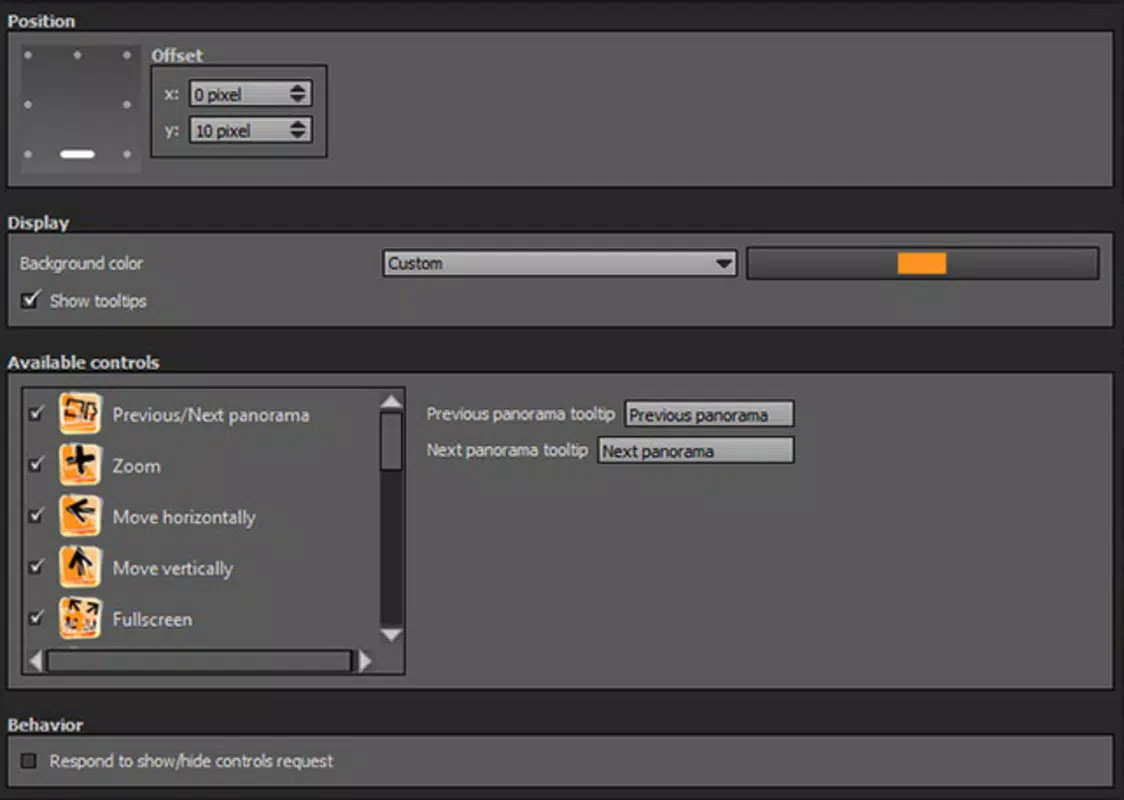
- Customizable Viewing Parameters: Users can adjust viewing angles, tilt settings, and image quality to suit specific presentation needs. This flexibility allows for tailored experiences, whether highlighting architectural details or creating smooth navigation paths.
- No Programming Required: Panotour eliminates the need for coding knowledge. All tour configurations are handled through visual tools and preset options, enabling rapid creation of interactive content by non-technical users.
- Environment Versatility: The app is optimized for use across diverse settings, including residential properties, commercial offices, exhibition spaces, and event venues. Its adaptability makes it a go-to solution for digital showcasing across multiple sectors.
For example, a real estate agent can capture panoramic shots of a home, import them into Panotour, adjust the viewing angles for optimal presentation, and publish a shareable tour within minutes. Similarly, an event planner can create a virtual walkthrough of a conference hall to help attendees visualize the layout before arrival.
Interface, UX & Performance
The user interface of Panotour is structured around clarity and ease of access. Key tools are logically grouped, and the visual hierarchy supports efficient navigation between stages of tour creation. The design emphasizes functionality without visual clutter, contributing to a smooth user experience.
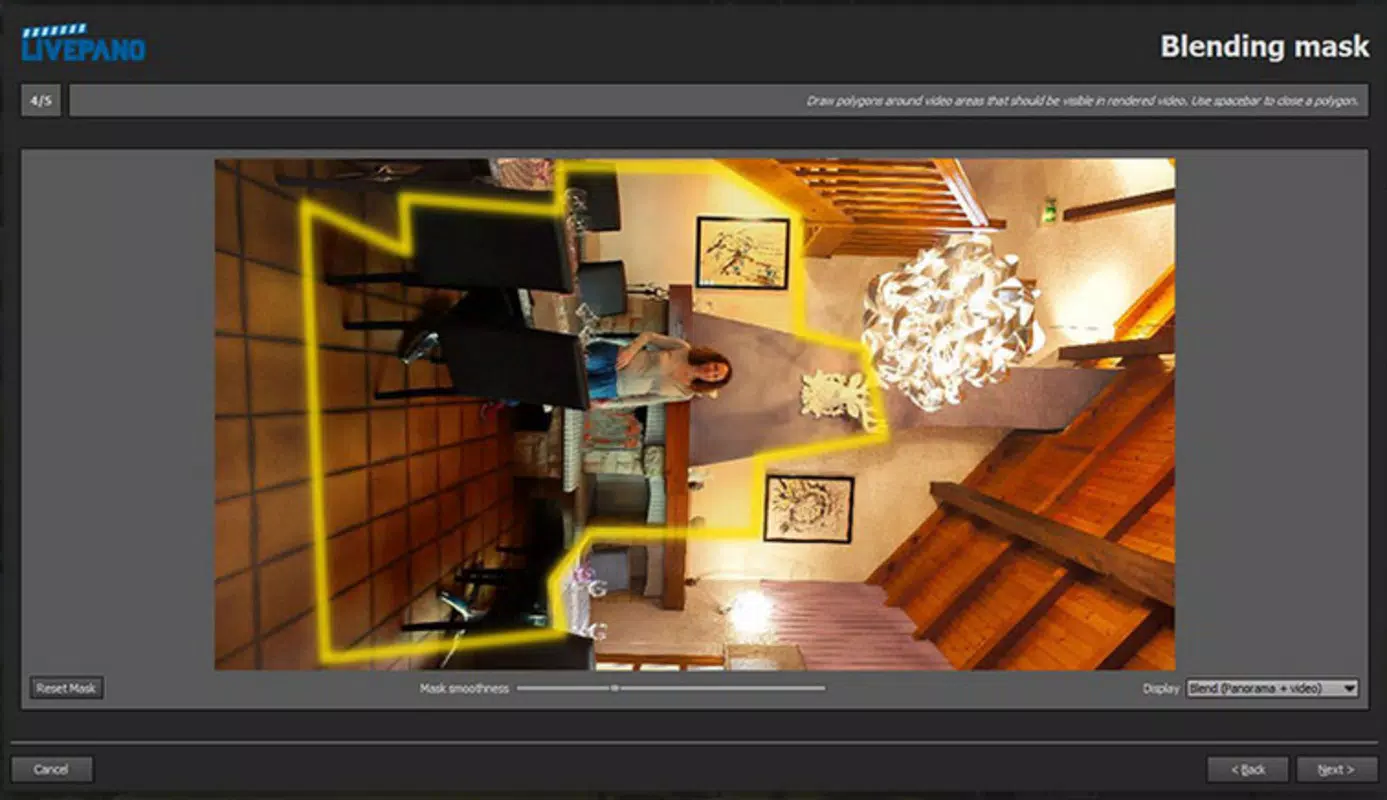
Navigation is linear and intuitive, guiding users through image import, stitching, configuration, and export steps. Even first-time users can follow the workflow with minimal guidance. The responsiveness of the interface remains consistent across different screen sizes, though specific performance metrics were not provided by the developer.
Although the developer did not list formal performance metrics, the app appears optimized for stability during image processing and tour rendering. Users can expect consistent behavior during normal usage, with no reported issues related to crashes or freezes. The application maintains smooth transitions between scenes and responsive controls during preview mode.
Overall, the UX is focused on reducing friction in the creative process. The absence of steep learning curves and the availability of visual feedback enhance user confidence and productivity.
Platform Compatibility & Technical Requirements
Panotour is available on the Android platform and supports a version that is compatible with modern smartphones and tablets. The app has a file size of 32.7 MB, making it lightweight and suitable for devices with moderate storage capacity.
The developer did not specify minimum OS requirements or exact compatibility details. However, given its release date in 2015 and continued availability, it is likely compatible with a broad range of Android devices released in the last decade. Users should ensure their device meets general Android standards for running multimedia applications.
Specific hardware requirements, such as RAM or processor specifications, were not disclosed. Compatibility information was not fully disclosed, so users are advised to check device capabilities before installation.
Pros and Cons
Pros
- Intuitive interface suitable for non-technical users
- Supports multiple image formats including RAW and PSD
- Enables quick creation of interactive 360-degree tours
- Highly adaptable for real estate, events, and business showcases
- Does not require programming or coding skills
Cons
- Developer did not provide detailed technical specifications
- Compatibility with specific Android versions was not listed
- No information on cloud integration or export formats
- Performance on older devices was not confirmed
- Limited transparency about update frequency
FAQ
Is Panotour safe to download and install?
Yes, Panotour is a legitimate mobile application developed for Android. It is available through official channels and does not require root access or elevated permissions.
Can I use Panotour without any technical experience?
Yes, the app is designed for users with no programming or technical background. The interface guides users through each step of creating a virtual tour.
What types of images can I import into Panotour?
Panotour supports common image formats including JPG, PNG, PSD, and RAW files, allowing users to work with high-quality source materials.
Is Panotour available for iOS devices?
The available information does not confirm iOS compatibility. The app is currently listed for Android only.
How often is Panotour updated?
The developer did not disclose update frequency. However, the app has remained available since its release in 2015, indicating ongoing maintenance.
Final Thoughts
Panotour stands out as a practical and accessible solution for anyone looking to create professional-grade 360-degree virtual tours. Its combination of a user-friendly interface, broad format support, and no-code workflow makes it ideal for real estate agents, event organizers, and business marketers. The app empowers users to transform static images into engaging digital experiences with minimal effort.
While technical details such as OS compatibility and update history remain partially undisclosed, the app’s long-standing presence and consistent functionality suggest reliability. For individuals seeking a secure, efficient way to showcase spaces digitally, Panotour delivers strong value.
Download Panotour now


